 April 14, 2026
 5 min
5 min
Why are there different keyboard types?
A keyboard is not a neutral accessory: it affects your posture, fatigue, and typing speed. Historically, keyboards were designed for mechanical typing, then adapted to modern computing needs. In practice, not everyone is looking for the same thing: a developer, a writer, and a gamer do not have the same use cases or constraints.
A useful benchmark: average typing speed for the general public is around 35 to 45 words per minute (estimate based on online tests). Many users can already gain comfort and accuracy before chasing pure performance.
Comfort and health: ergonomic, split, and ortholinear
Ergonomic keyboards exist to reduce tension in the wrists and shoulders. Split models separate the keyboard into two halves, which limits wrist twisting. Ortholinear keyboards align keys in columns to reduce sideways finger movement. The goal is simple: minimize unnecessary motion and protect comfort during long sessions.
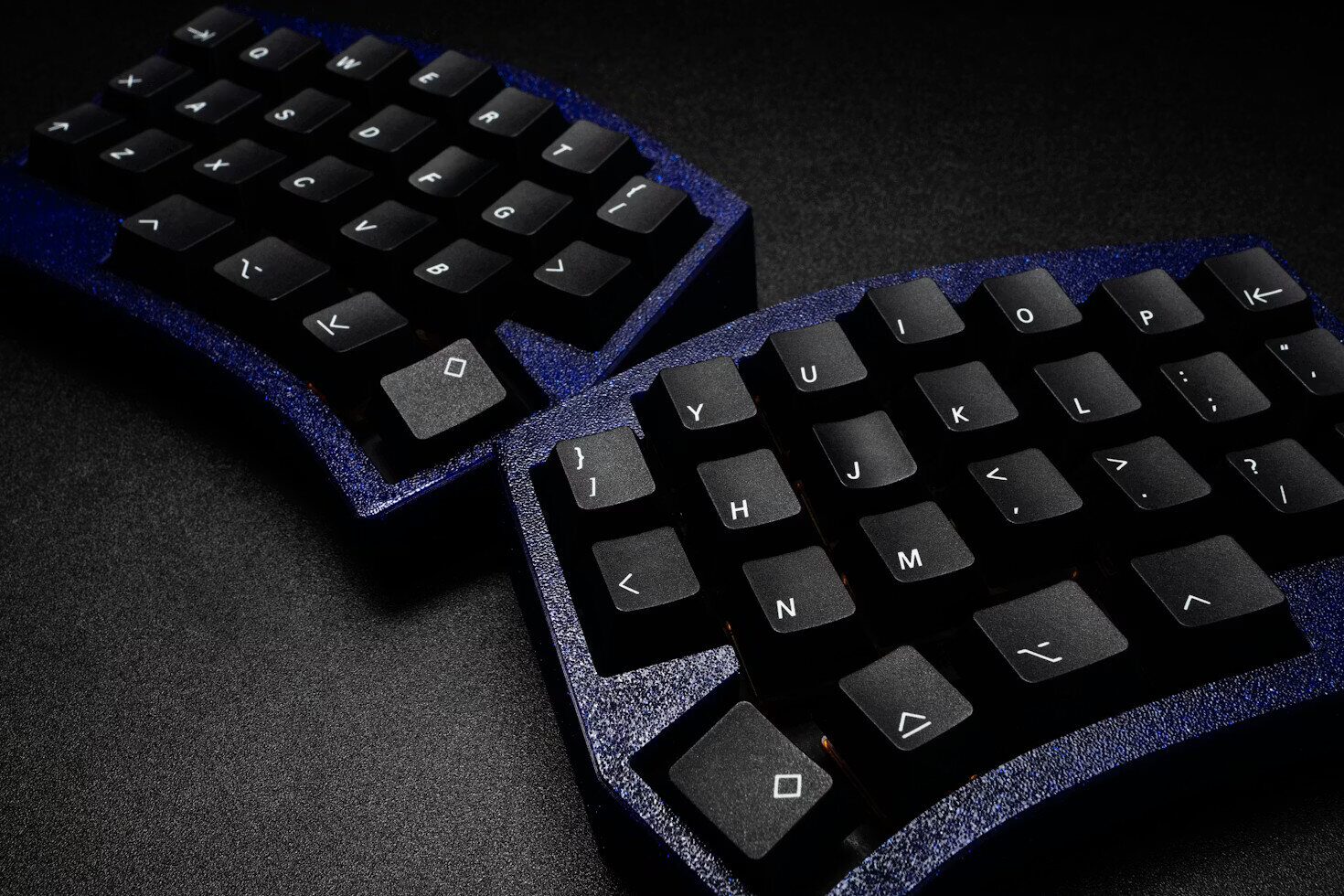
In this context, hand position matters as much as the hardware itself. A stable posture and a slightly tilted keyboard are often enough to reduce discomfort. ISO 9241-410 recommends a tilt angle between 0° and 15° to limit wrist extension.
Key points to remember:
- Split keyboards: more relaxed shoulders, less wrist strain.
- Ortholinear layouts: more direct finger paths, less twisting.
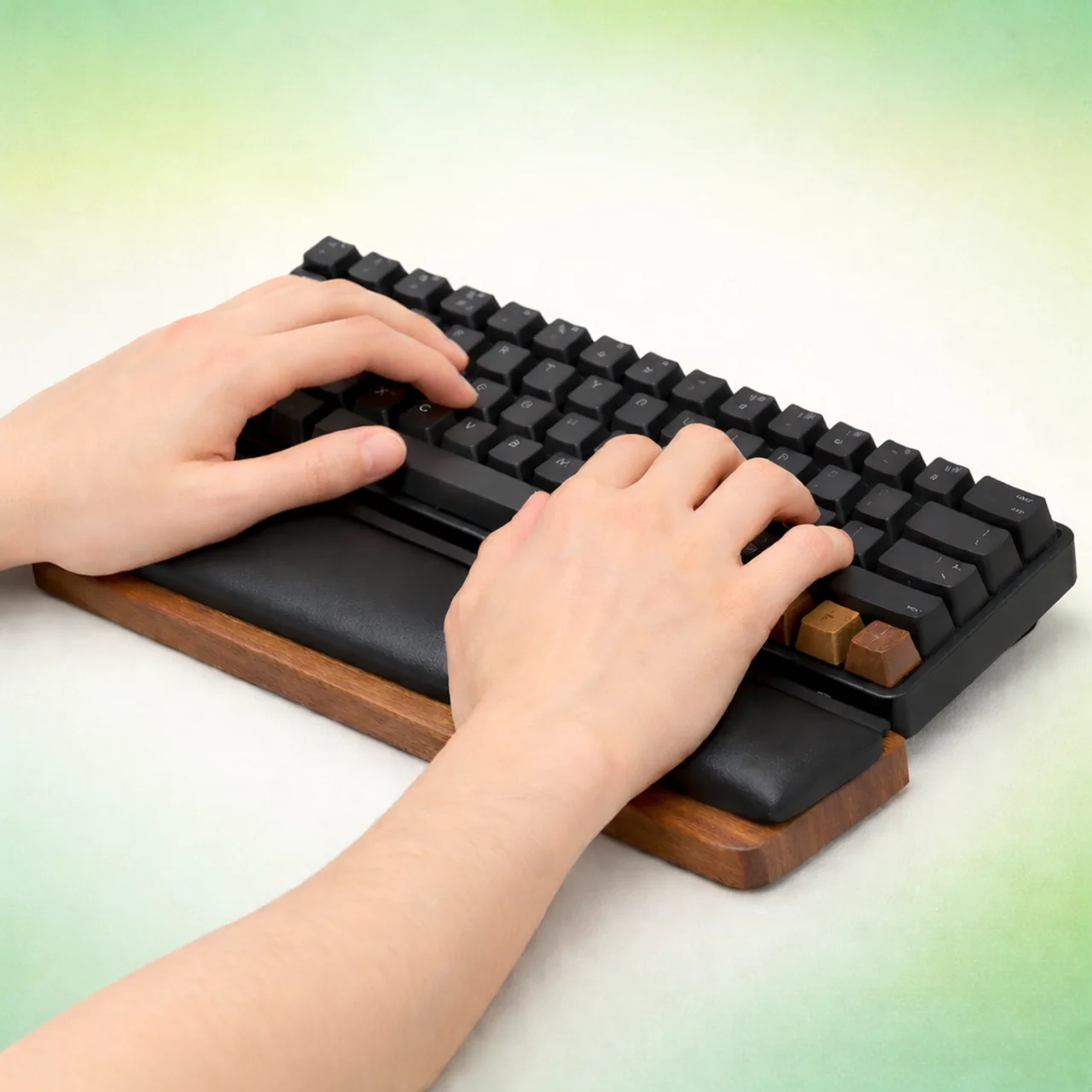
- Wrist rests: useful if you type for long periods, as long as your hands stay active.
Speed and accuracy: mechanical, scissor, low-profile
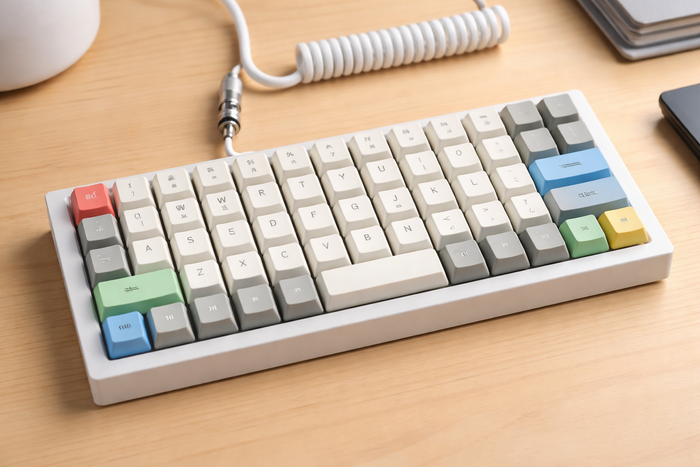
Speed depends on typing consistency and keyboard responsiveness. Mechanical keyboards stand out thanks to individual switches, with clear feedback and high durability. Mechanical switch actuation force is often between 45 and 60 g (source: Cherry MX and Kailh spec sheets). This stable resistance helps maintain a steady rhythm and better accuracy.
Scissor-switch keyboards (often on laptops) have a shorter travel, around 1.2 to 1.5 mm, versus 3.5 to 4.0 mm for many mechanical keyboards. Shorter travel can feel faster, but it can also require more attention to avoid mistakes. If your main goal is accuracy, a keyboard with clear tactile feedback can be a real advantage for typing.
Custom keys and layers: save time
Customization is not only aesthetic. Programmable keyboards let you assign shortcuts, macros, and layers. A layer is a “second function” you can activate with a key, similar to Shift. The result: you can access symbols or commands without moving your hands.
Practical examples:
- Create a dedicated layer for accents and special characters.
- Group navigation shortcuts (Home, End, Page Up/Down).
- Optimize keys for text editing or coding.
For people who spend a lot of time writing, this approach reduces back-and-forth movement and improves flow.
How to choose the right keyboard to improve
The “best” keyboard is the one that matches your use case, comfort, and goal. Before changing hardware, ask yourself three questions:
- Am I bothered by fatigue or pain?
- Am I mainly looking for speed or accuracy?
- Do I need custom shortcuts?
If you are just getting started, focus first on method: correct posture, proper finger placement, and a steady rhythm. Then, a more ergonomic or more responsive keyboard can help you reach the next level. To go further, you can follow Tapotons Typing Courses and practice with Tapotons Typing Exercises.