 March 12, 2026
 5 min
5 min
Keyboard mastery: why it has become a core skill
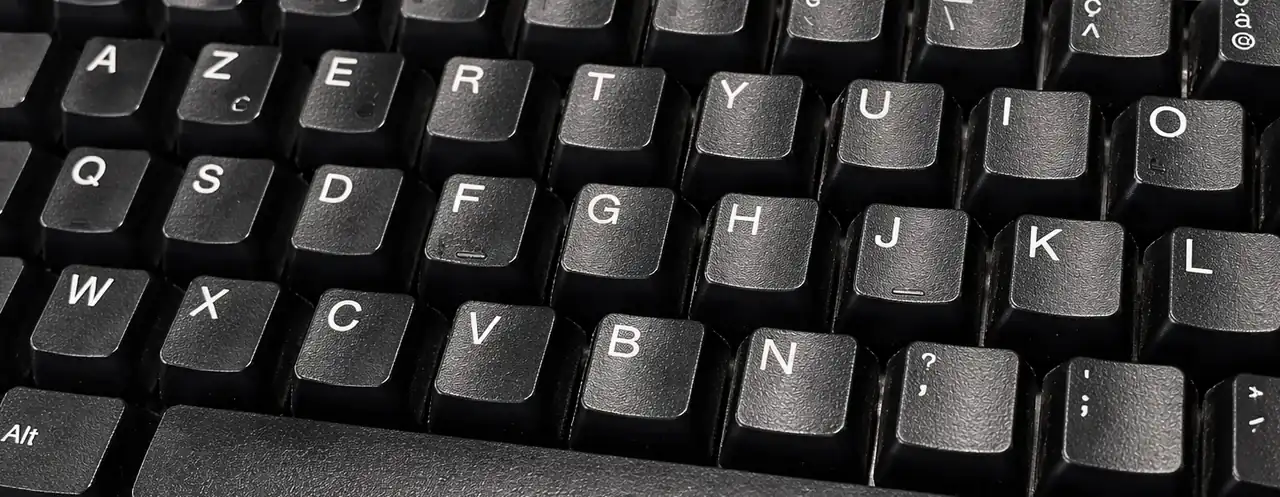
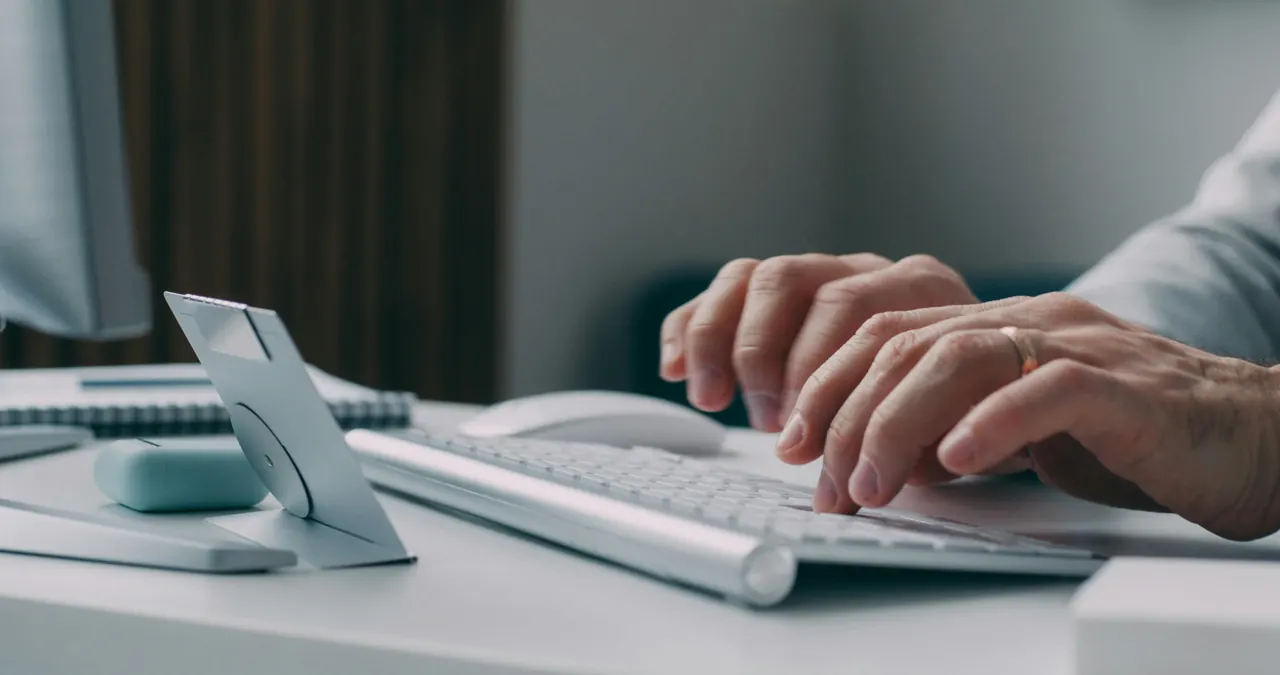
The keyboard is the central work tool for most digital jobs. Emails, reports, tickets, code, meeting notes: almost everything goes through typing. Touch typing is not a bonus anymore, but a cross-functional skill. Slow typing adds constant friction, while fluent typing frees up attention and helps you focus on substance.
Here is what efficient typing changes in daily work:
- Write faster without losing your train of thought.
- Produce cleaner documents with fewer corrections.
- Improve comfort and reduce mental fatigue.
Speed and accuracy: the balance that saves time
Typing speed matters, but accuracy matters just as much. Fast but inaccurate typing forces you to reread, correct, and rewrite. On the other hand, precise but very slow typing limits your output. The goal is therefore twofold: write fast and write right.
Useful benchmarks to position yourself:
- Beginners are often around 20 to 30 words per minute.
- A solid professional level is often between 50 and 70 words per minute.
- Top typists can go beyond 100 words per minute.
These figures are broad ranges based on benchmarks commonly cited by online typing tests; they can vary by language and keyboard layout. What matters most is to aim for measurable progress, not a fixed absolute number.
AI, prompts, and digital tools: typing is now a lever
Digital tools reward fluency. Spreadsheets, CRM tools, IDEs, and documentation all require hundreds of interactions per day. When typing is automatic, you move forward without interruption and get more value from your tools.
With AI, keyboard skills become even more strategic. A strong prompt must be clear, structured, and detailed. The faster and more accurately you type, the easier it is to iterate, test variations, and get relevant answers. A 2023 Microsoft and Carnegie Mellon study highlights that generative tools increase perceived productivity, but result quality strongly depends on instruction quality. Source: Microsoft Work Trend Index 2023.
The key takeaway is simple: instruction quality drives output quality.
Posture and ergonomics: improve without getting injured
Being highly skilled on the keyboard does not mean hitting keys harder. It means optimizing posture, movement, and rhythm. A few simple principles help reduce long-term strain:
- Keep your wrists relaxed and avoid bending them upward.
- Place your screen at eye level to reduce neck tension.
- Rest your hands on the home row and look at the screen, not at the keyboard.
According to INRS, musculoskeletal disorders represent the majority of occupational illnesses in France, with repetitive movements being a major factor. Source: INRS, MSD statistics. Prevention mainly relies on simple workstation adjustments and consistent practice.
A clear plan to improve with Tapotons
To improve efficiently, you need a simple and consistent method. Here is a minimalist but effective training plan:
- Start with progressive basics and lessons: Tapotons typing courses.
- Measure your speed and error rate to track progress: Tapotons exercises and tests.
- Revisit the homepage regularly for tips and resources: Tapotons homepage.
The ideal routine is 10 to 15 minutes per day. Internal Tapotons trials suggest that short daily practice can improve typing speed by 10 to 20 words per minute within a few weeks (estimate, to be confirmed with public measurement). The main driver is consistency.
Conclusion
Becoming highly skilled on the keyboard means saving time, writing with better accuracy, and working with more confidence. By combining speed, rigor, and good habits, you turn a daily action into a concrete advantage. Consistent practice, clear goals, and tools like Tapotons are enough to improve over time.