 January 17, 2026
 4 min
4 min
Why measure ten-finger typing habits?
In support teams, administrative departments, and call centers, keyboard input is part of the daily routine. Yet very few users know how to use all ten fingers effectively, which slows down task handling and increases fatigue. Understanding the reality of typing habits helps you size training properly, choose the right tools, and set realistic goals. Clear measurement also makes it possible to track the impact of coaching and highlight productivity gains.
What the numbers say about touch typing
There are only a few recent public studies on touch typing, but several indicators provide a useful order of magnitude:
- Average typing speed is typically observed around 35 to 45 words per minute (estimate based on online typing test benchmarks).
- Fewer than 20% of users are believed to type without looking at the keyboard and to use all ten fingers (estimate based on aggregated feedback from training providers).
- Typing errors tend to increase once speed goes beyond 50 words per minute without a structured method (estimate based on training platform results). These figures remain approximate, but they show that the improvement potential is real, especially when typing is a professional task.
Why do so few people use all ten fingers?
Most people learn informally. They memorize where common letters are, but without a real finger map. The result is predictable: they look at the keyboard more often, correct more mistakes, and get tired faster. Other common obstacles include:
- No formal workplace training.
- Fear of losing time during the learning phase.
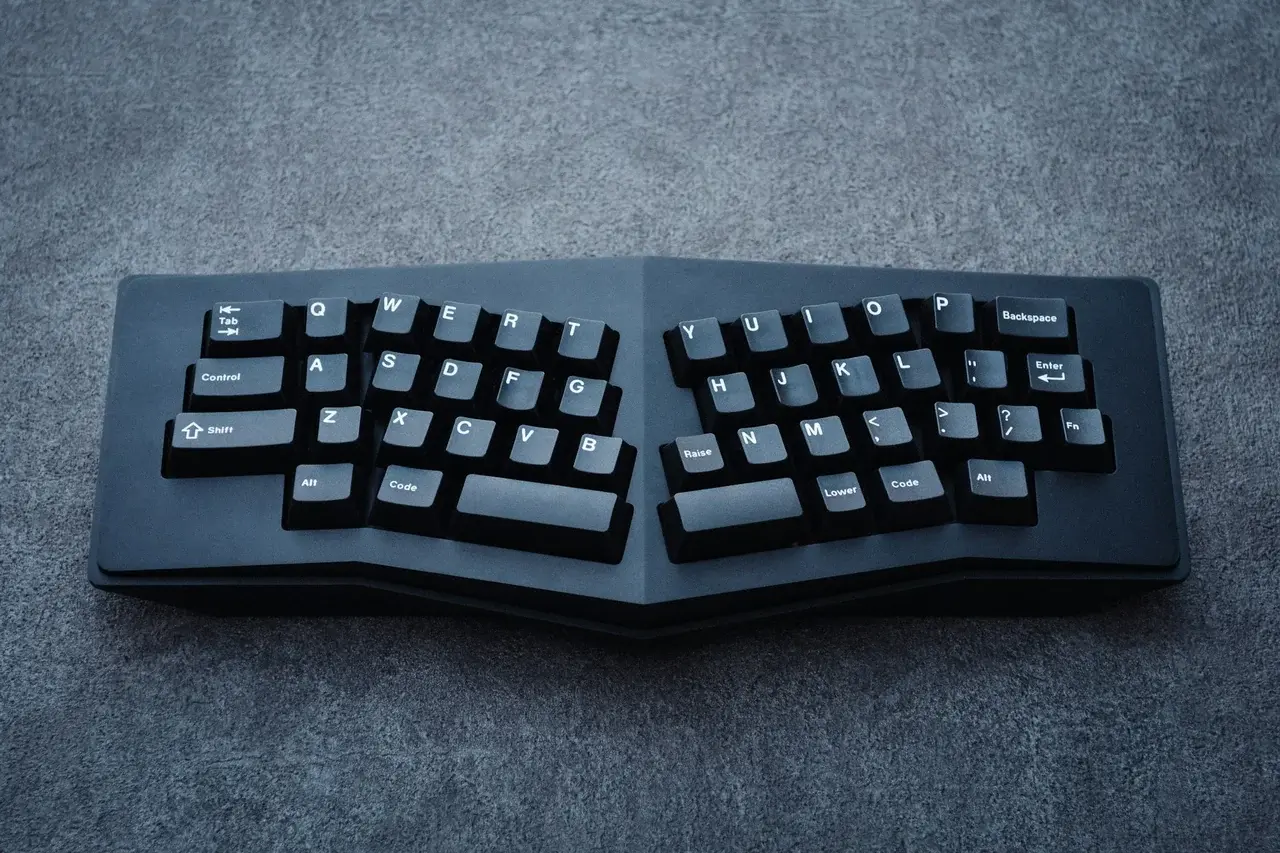
- Mixed keyboard layouts (AZERTY, QWERTY, non-standard), which disrupt muscle memory. The key point is simple: ten-finger typing is a learned skill, not a natural talent.
How to measure your level and your team’s level
Before launching a training plan, start with a simple diagnostic. Measure speed and accuracy with a short test, then observe posture and finger usage. Here is an effective framework:
- A 1 to 2 minute typing test, without correcting mistakes.
- Accuracy rate (% of correct characters).
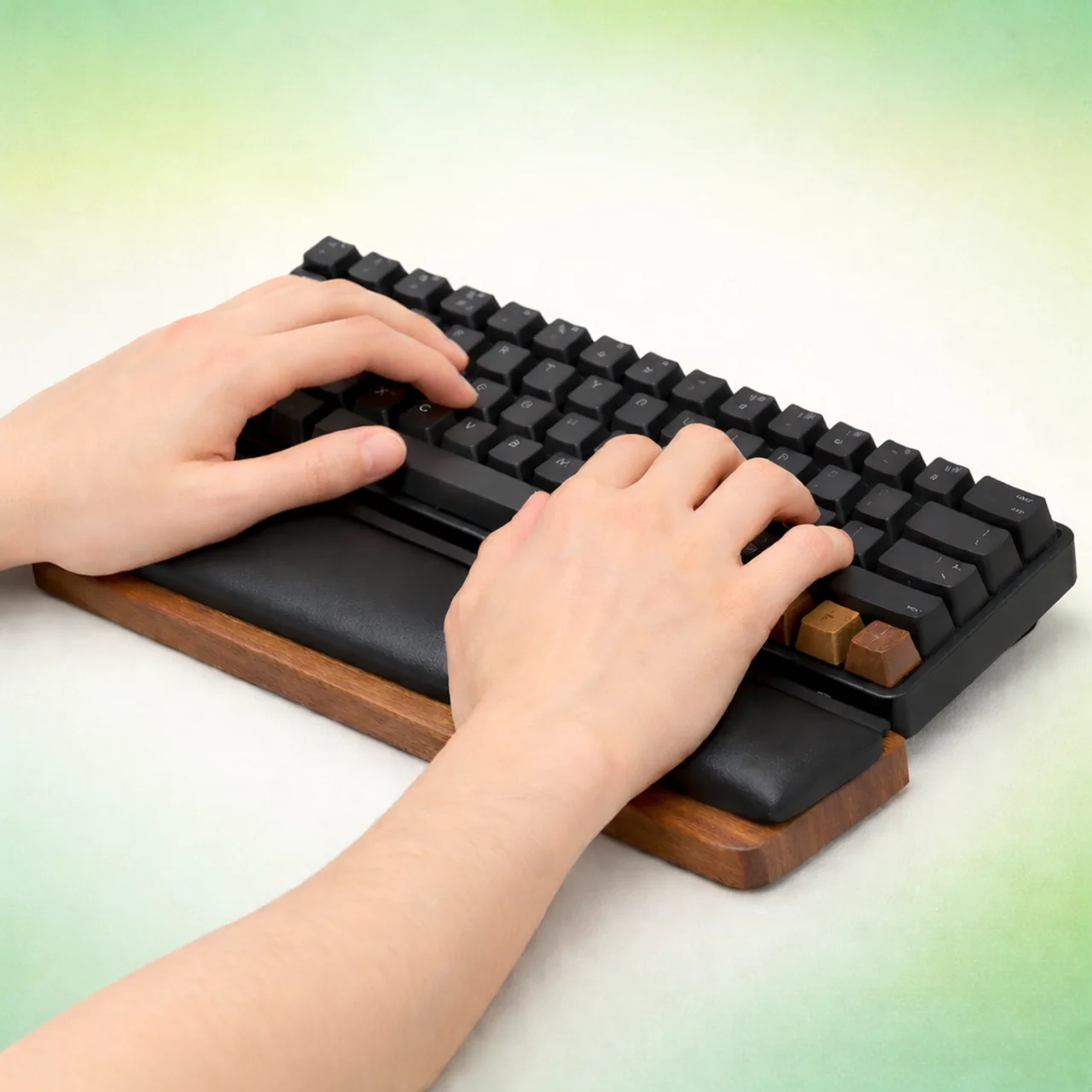
- Observation: eyes on the screen or on the keyboard, wrist movement, and whether several fingers are being used. For a quick baseline, you can use the Tapotons typing test. For a more complete assessment, the Tapotons typing courses provide progressive and measurable exercises.
What really changes with the ten-finger method
Once the technique is in place, the effects are easy to see: more speed, fewer mistakes, and better focus. The user no longer has to think about the keyboard and can focus on the content instead. In a business context, that usually means:
- Faster responses to customers.
- Better quality written records.
- Less pain in the hands and wrists thanks to a steadier posture. These benefits appear quickly when practice is regular and properly guided.
A simple action plan to help users improve
To get results, you need a short, measurable, motivating plan:
- Set a reasonable starting goal, for example +5 words per minute in 4 weeks.
- Practice for 10 to 15 minutes a day with targeted exercises.
- Alternate speed and accuracy work to avoid building bad habits.
- Track progress with weekly tests. Support from a platform like Tapotons makes progress easier with structured learning paths, visible improvement, and varied exercises.
What to remember for your internal stats
The numbers may look rough, but they are enough to trigger action. The main takeaway is that most users do not type with all ten fingers, and that even short training can produce measurable gains. By documenting speed, accuracy, and posture, you will have a solid baseline for comparison, target setting, and proving the impact of training.