 May 09, 2026
 4 min
4 min
Confusing typing speed with real progress
When you want to learn to type faster, the classic trap is to immediately chase a better score on a speed test. In typing, however, speed almost always follows movement quality: stable posture, consistent fingering, steady rhythm, and controlled errors. If you speed up too early, you reinforce compensation habits (looking at the keyboard, “hunting” for keys, retyping the same word several times), and later you will have to unlearn them.
A useful benchmark: speed is often measured in words per minute, with a common convention where 1 word = 5 characters (source: Wikipedia, “Words per minute”). Measure your performance, yes, but do not confuse “faster today” with “better automated.”
Simple action: alternate 2 slow minutes (accuracy) and 1 faster minute (flow), instead of doing 15 minutes at full speed.
Practicing without a clear goal (and without progression)
Randomly repeating long texts can feel productive, but it is rarely effective. To improve, you need one concrete objective per session: a difficult letter, a letter combo (“tr”, “ion”), the home row, or error reduction. Without a target, you accumulate minutes without building a real skill.
To structure your practice:
- Set one single goal (for example: “stop looking at the keyboard”).
- Choose the right format: letters -> words -> sentences -> text.
- Keep one measurable constraint: accuracy, pace, or consistency.
If you need a framework, use a guided path like Tapotons typing courses and add targeted exercises when a recurring difficulty keeps coming back.
Neglecting accuracy (and paying the cost in corrections)
A common mistake is accepting “average” accuracy and assuming speed will make up for it. In reality, errors are expensive: they break rhythm, increase mental load, and reinforce bad habits (recoveries, hesitation). Aim for clean execution before chasing performance.
A good working threshold is staying above 97% accuracy during exercises. Below that, slow down: you are mostly training correction skills, not automation.
Practical tips:
- If you make 3 errors in 10 seconds, reduce your speed.
- If your typing is clean but slow, increase the tempo slightly.
- If your typing is clean and fluid, raise the difficulty (more varied text, rarer combos).
Ignoring ergonomics: posture, fatigue, and pain
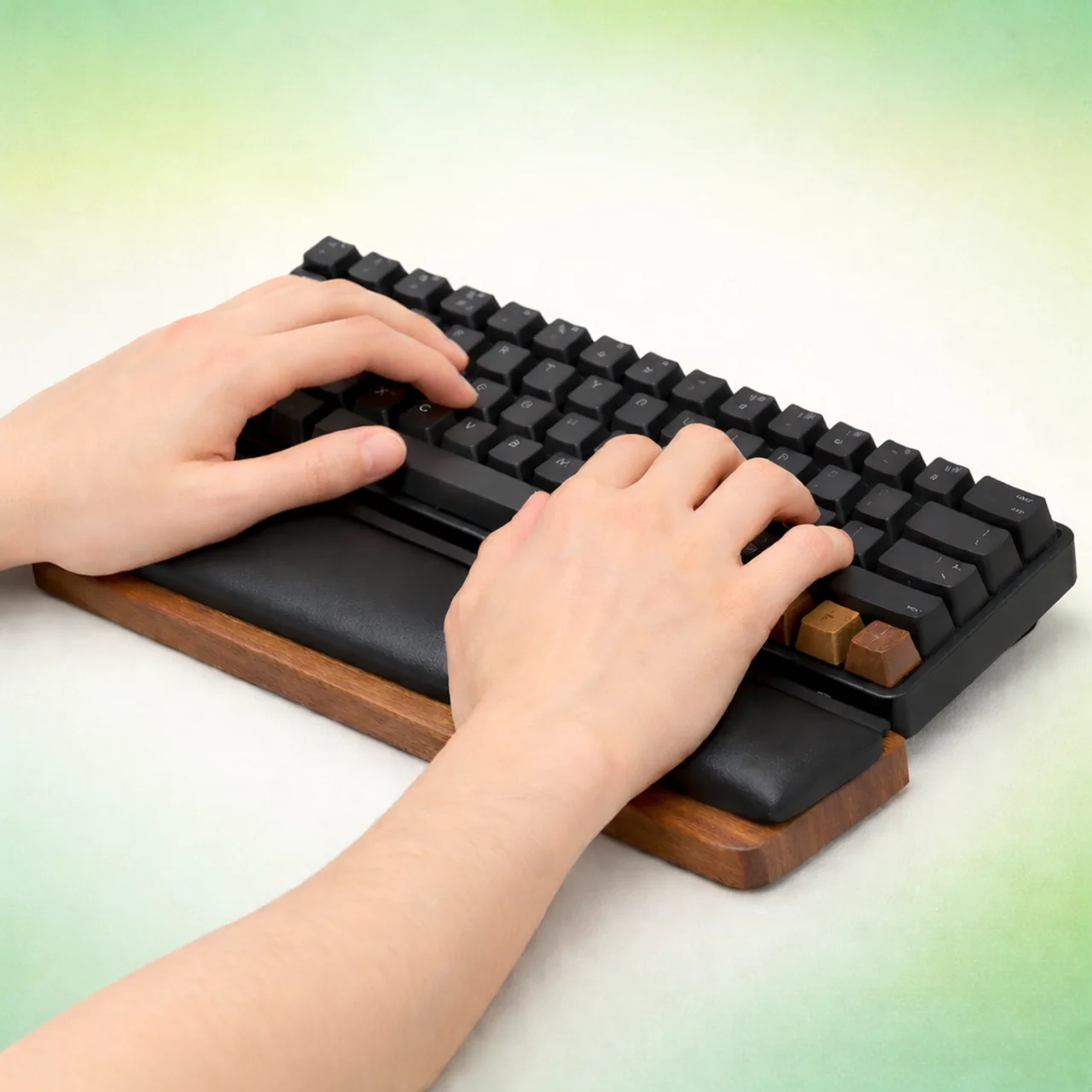
Optimizing progress also means protecting your body. Poor posture leads to fatigue and tension (wrists, shoulders, neck), which reduces focus and consistency. Typing is a motor skill: if your setup gets in the way, your learning slows down.
Check these keyboard basics:
- Screen at eye level.
- Elbows close to your body, around 90°.
- Wrists relaxed, without constant pressure.
- Hands returning to the home row.
Most importantly: if you feel pain, that is not “normal.” Take a break, adjust your posture, and resume more gently.
Choosing sessions that are too long instead of staying consistent
A one-hour session may feel “serious,” but it is not always efficient if you get tired, multiply errors, and end up on autopilot. Progress often comes from frequent, sustainable practice rather than rare, intense sessions.
A realistic rhythm for many people is 15 to 20 minutes, 3 to 4 times per week (estimate). The goal is to stay fresh, focused, and able to repeat tomorrow. To stay motivated, set a visible target: for example, an accuracy or speed goal on the Tapotons page, then track your results.
Finally, measure your progress regularly (without obsessing): repeat the same test every 1 to 2 weeks, note typing speed + accuracy, and adjust your practice accordingly. You will quickly see which mistakes are slowing you down, and which ones to avoid to keep improving.