 June 05, 2026
 4 min
4 min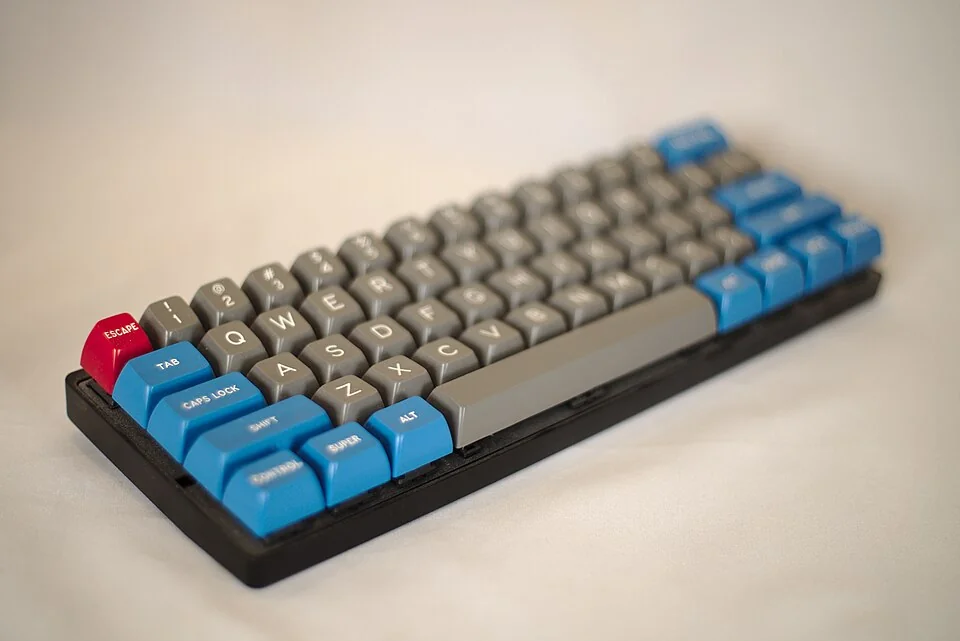
Keyboard sizes: 60%, 65%, 75%, TKL, full-size and ANSI/ISO layouts
When you start looking for a keyboard, you quickly run into terms like 60%, 75%, TKL, ANSI or ISO. The choice can look technical, but it mostly comes down to one simple question: what trade-off are you willing to accept between compactness, comfort and direct access to keys?
In practice, a full-size keyboard includes the complete layout with a numpad, usually around 104 keys in ANSI US and 105 in ISO FR/UK layouts (source: ANSI and ISO/IEC standards). At the other end, a 60% keyboard often has around 61 keys (source: manufacturer product sheets, typical value).
What 100%, TKL, 75%, 65% and 60% keyboards actually change
Each size removes or rearranges keys. The main benefit is desk space, but you sometimes lose direct access to certain functions.
- 100% (full size): everything is available, including the numpad and function row.
- TKL (tenkeyless): the numpad is removed, usually 80-87 keys.
- 75%: close to TKL, but more compact, often 82-84 keys.
- 65%: compact layout with dedicated arrow keys, often 66-68 keys.
- 60%: ultra compact, with arrows and functions often accessed through an
Fnlayer.
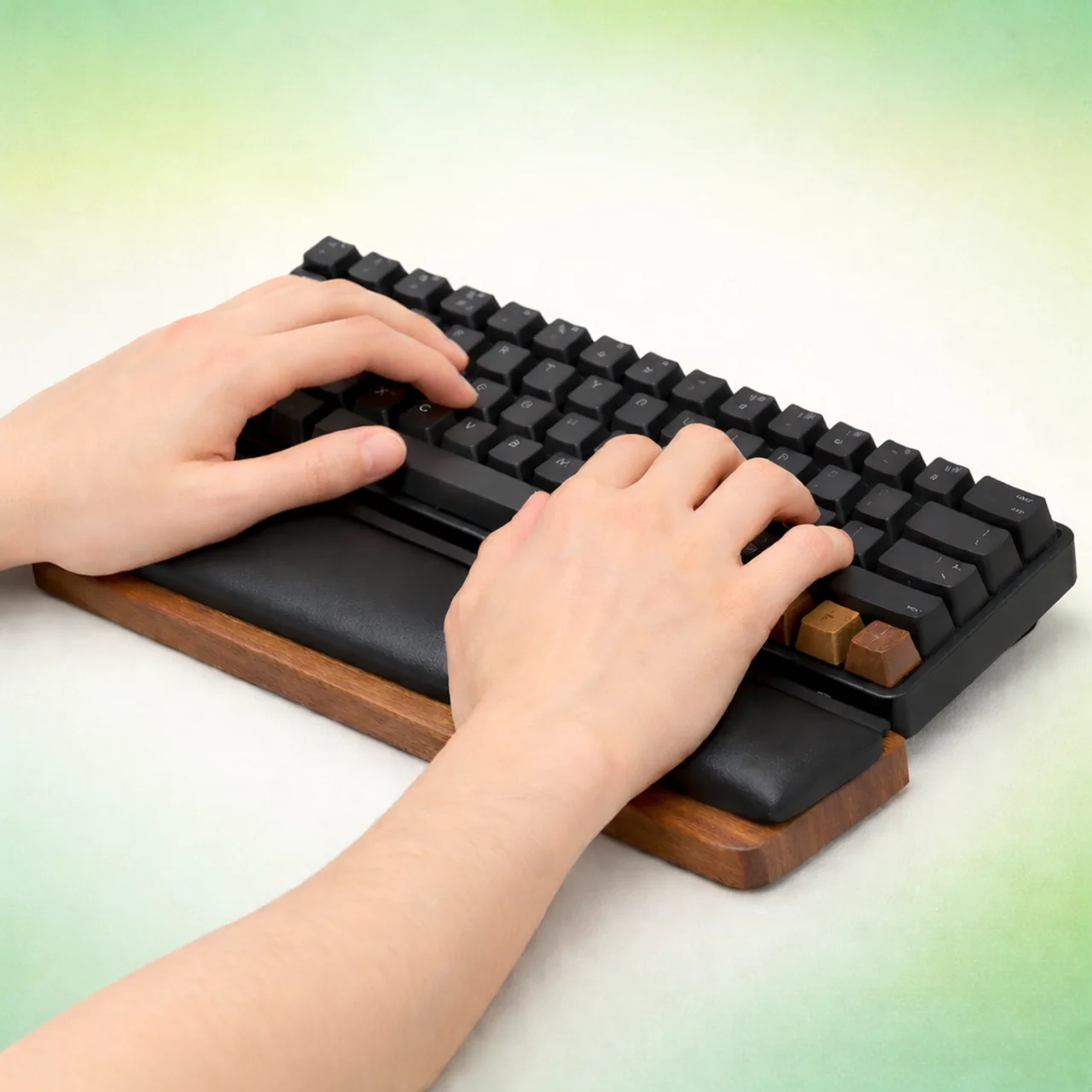
A useful benchmark: moving from full-size to TKL often reduces keyboard width by 6 to 8 cm (estimate depending on the model). This brings the mouse closer to your shoulder and can improve comfort during long sessions.
Benefits and trade-offs: how to avoid choosing the wrong format
The right choice depends less on trends than on your everyday use.
- 100% Benefit: no friction for office work, accounting and spreadsheets. Trade-off: larger footprint, less portable.
- TKL / 75% Benefit: excellent balance between productivity and compactness. Trade-off: no dedicated numpad.
- 65% Benefit: efficient for writing and coding while keeping arrow keys. Trade-off: less direct access to navigation keys.
- 60% Benefit: minimal, light and easy to carry. Trade-off: heavy reliance on layers, with an adaptation period.
If you are starting touch typing, remember this: consistent movement patterns often matter more than the keyboard size itself. Average public typing speed is still around 35 to 45 words per minute (estimate from online typing-test platforms), so there is a lot to gain from method before changing hardware.
ANSI vs ISO: the difference that really affects typing comfort
Keyboard size (60%, 75%, TKL…) does not tell the whole story. The physical layout, ANSI or ISO, also affects typing comfort.
- ANSI: horizontal Enter key, long left Shift, often more keycap options.
- ISO: L-shaped Enter key, shorter left Shift, better aligned with several European layouts.
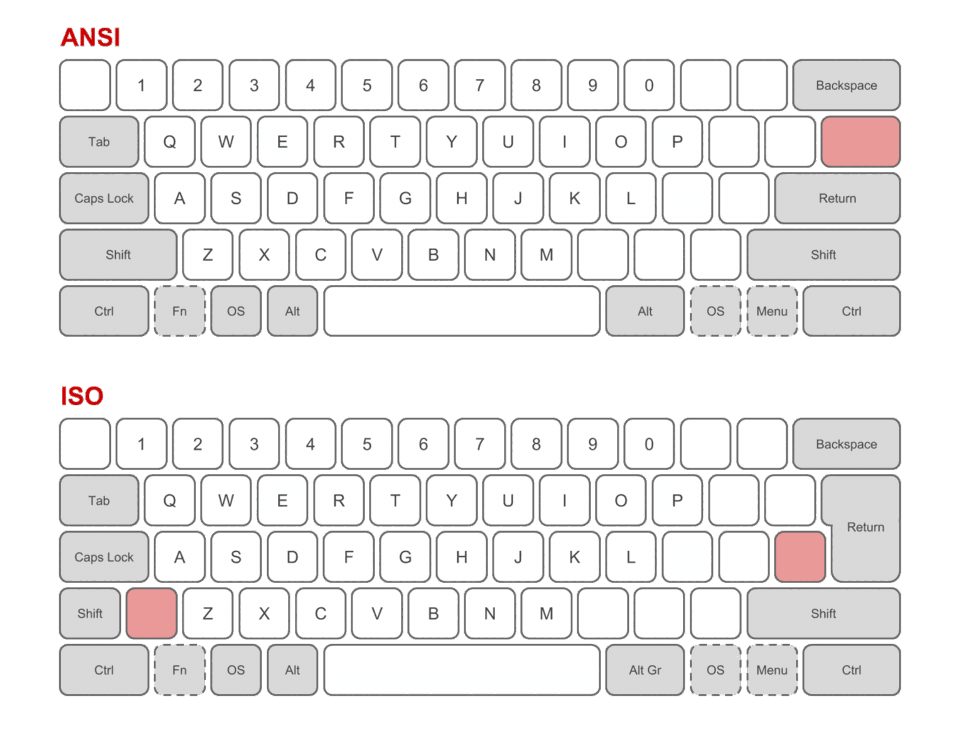
For French usage, ISO often feels more intuitive because it matches common school and office habits. ANSI remains very popular in programming and in the custom keyboard ecosystem, with a wide range of compatible parts. Here, the trade-off is mainly between local compatibility and accessory availability.
Which keyboard should you choose for your profile?
You can decide quickly with this guide:
- You work with numbers a lot: choose a 100% keyboard or a TKL plus an external numpad.
- You switch between writing, navigation and shortcuts: a 75% keyboard is often the most versatile option.
- You want compactness without losing arrow keys: aim for a 65% keyboard.
- You want mobility and minimalism: a 60% keyboard makes sense, as long as you accept layers.
To improve typing speed and accuracy, structured practice is still the most valuable investment. You can practise with the Tapotons typing courses and measure your progress with the Tapotons typing speed test. If you are still unsure, browse the Tapotons blog to compare more keyboard guides.