 June 02, 2026
 4 min
4 min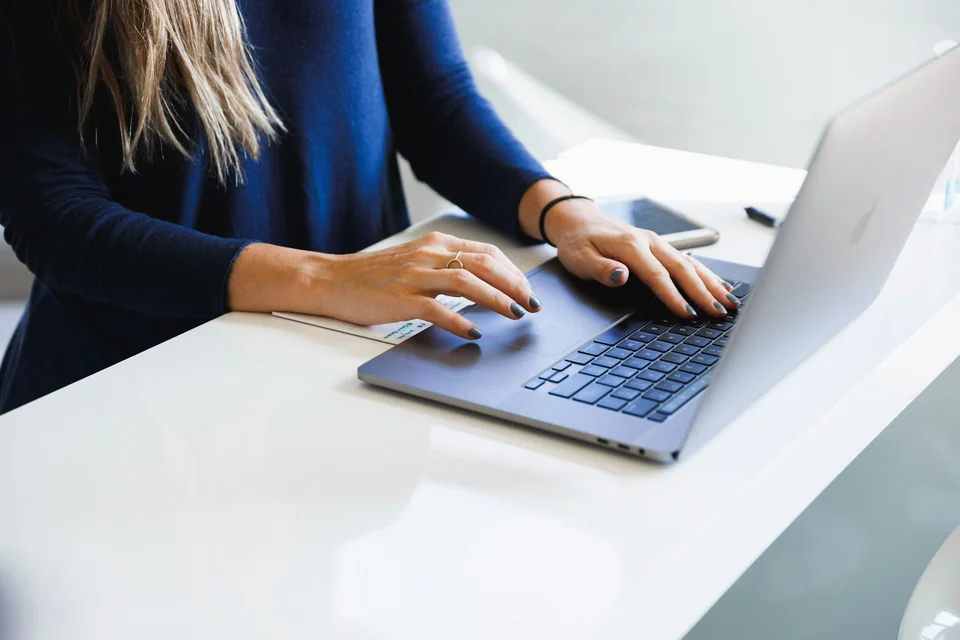
Learning to type without looking at the keyboard: why it matters
Typing without looking at the keyboard is not a talent reserved for experts. It is a skill you can build with a clear method. When your eyes stay on the screen, you keep the thread of your ideas, correct mistakes faster, and reduce the visual back-and-forth that causes fatigue.
A few useful benchmarks:
- A beginner level is often around 20 to 30 words per minute (an estimate based on consumer typing tests).
- A comfortable level for study or work is often between 45 and 60 words per minute (estimate).
- A realistic goal is also to stay below 5 to 7% errors so you do not lose time on corrections (estimate).
The goal is not to break a record in one week. The goal is to build reliable habits.
Step 1: set the technical foundations from the start
Before chasing speed, work on the basics. Poor posture slows your progress and can create tension.
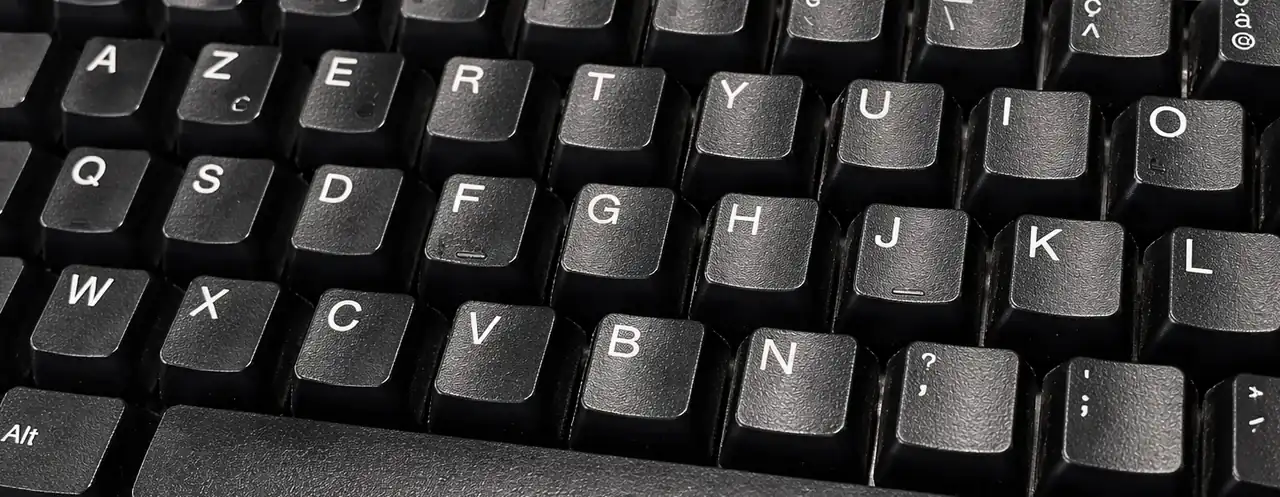
- Place your index fingers on F and J (the two tactile markers).
- Keep your wrists neutral, without bending them upward.
- Set your screen at eye level to reduce neck fatigue.
- Look at the screen, not at your hands.
According to INRS, musculoskeletal disorders account for the majority of recognized occupational diseases in France (source: INRS, MSD statistics). You progress better when your posture stays stable and relaxed.
Step 2: use the right finger for each key
The key point in typing without looking is learning which finger should press which key. The most effective method is to learn by zones: home row, top row, bottom row, then uppercase letters and punctuation. Each finger keeps its main zone. This limits unnecessary movement and builds real automatic habits.
If you switch fingers “at random”, you lose accuracy and consistency. Conversely, when you always use the same finger for the same family of keys, you progress faster over the long term.
A simple 3-week plan:
- Week 1: home row + accuracy.
- Week 2: gradual addition of top and bottom row keys.
- Week 3: common words, punctuation, and key sequences.
To start cleanly, follow the Tapotons Touch Typing Courses: everything is explained there, key by key, with the logic behind which fingers to use.
Step 3: use a short but daily routine
Consistency matters more than occasional long sessions. A 15-minute routine per day, 5 days a week, brings better results than a single one-hour session on the weekend.
Recommended routine:
- 5 minutes of slow warm-up.
- 7 minutes of targeted exercises on your mistakes.
- 3 minutes of final testing to measure speed and accuracy.
Over 6 to 8 weeks, this format often leads to a gain of 10 to 20 words per minute for consistent beginners (estimate based on training observations). You can assess yourself with Tapotons Typing Exercises.
Step 4: fix your sticking points with simple metrics
Do not train based only on “how it feels”. Track three indicators:
- Speed (words per minute).
- Accuracy (error rate).
- Stability (the gap between your best and worst attempts).
If your speed increases but errors spike, slow down slightly for a few days. If your accuracy is good but your speed stalls, work on common English letter patterns (for example the, ing, ion, ent).
The most important thing is to achieve stable progress, not one isolated performance.
What to remember about typing without looking
You can learn to type without looking at the keyboard with a simple method: correct posture, zone-based learning, daily routine, measured tracking. In a few weeks, you save time on every kind of writing: schoolwork, emails, reports, messages, and AI prompts.
Start small, stay consistent, and measure your progress every week. That discipline is what turns touch typing into a lasting skill. To go further, follow our guide to learn touch typing.